Viral AI Video Generator for TikTok & Reels Trends

Make a viral AI video starring you or your pet from photos. Upload a reference clip and your photo for an instant shot breakdown, or pick a dedicated effect studio below. Pay-as-you-go video generation starts from just 3 credits with zero monthly subscription.

STUDIO DECK // FREE SHOT BREAKDOWN
TC 00:00:10:00 · 9:16

Drop reference video or browse file

MP4, MOV, WebM · Up to 60 seconds

What Is Viral AI Video?

Viral AI Video is an AI video generator for TikTok, Reels, and Shorts. Preview a free reference-video breakdown or choose a dedicated photo effect. Review the credit cost, generate, and download your MP4.

Have a video you want to remake?

Upload a video clip or supported TikTok link. Preview the free shot breakdown, pair your portrait, and review the cost before generating. Follow standard TikTok video guidelines for vertical 9:16 content.

Use the video workspace

Looking for a ready-made effect?

Browse the effects below and open one with its own studio. Add the requested photos and check the cost. Those effects do not need a reference-video upload.

Browse video effects
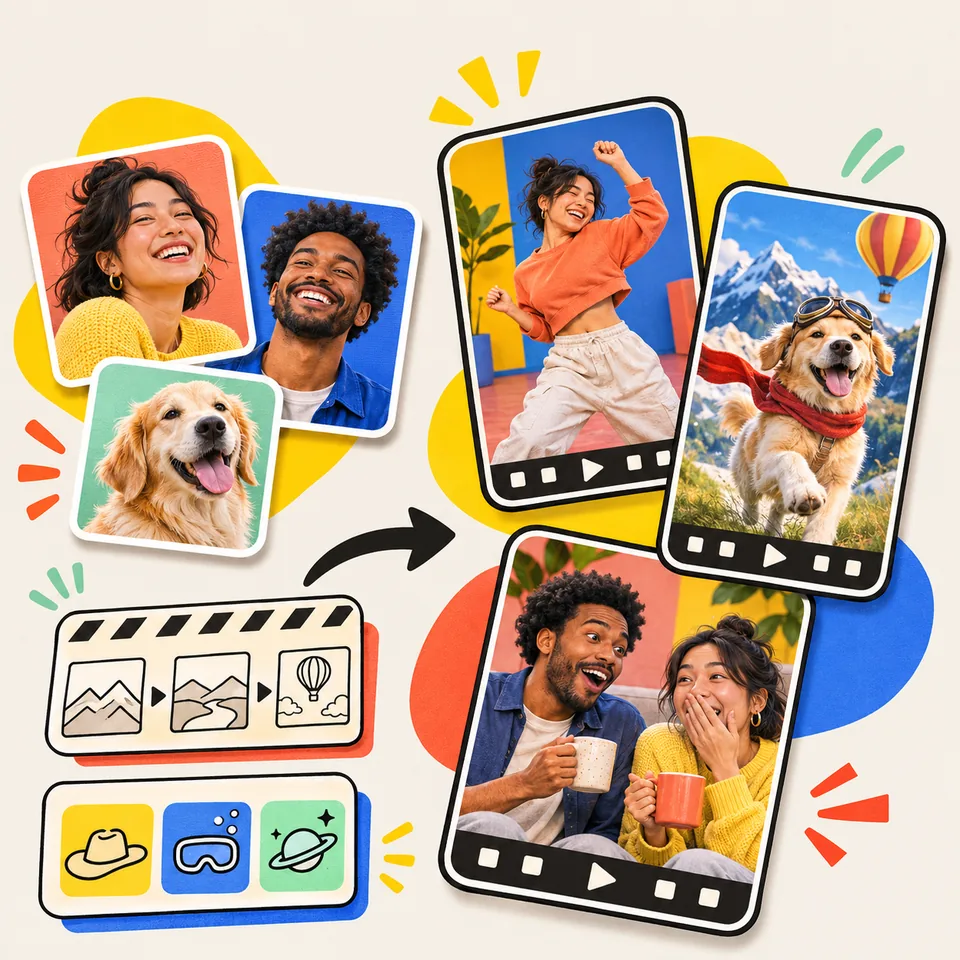
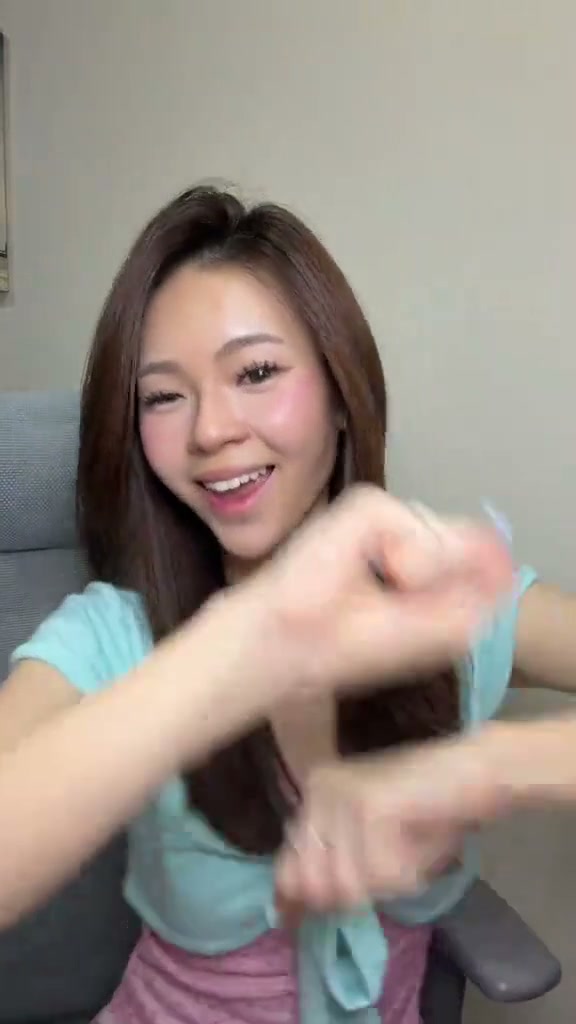
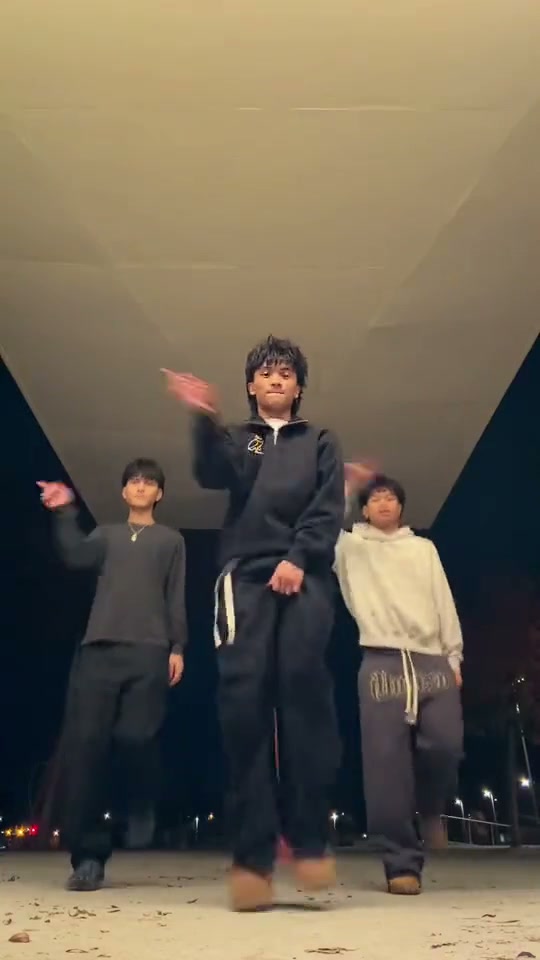
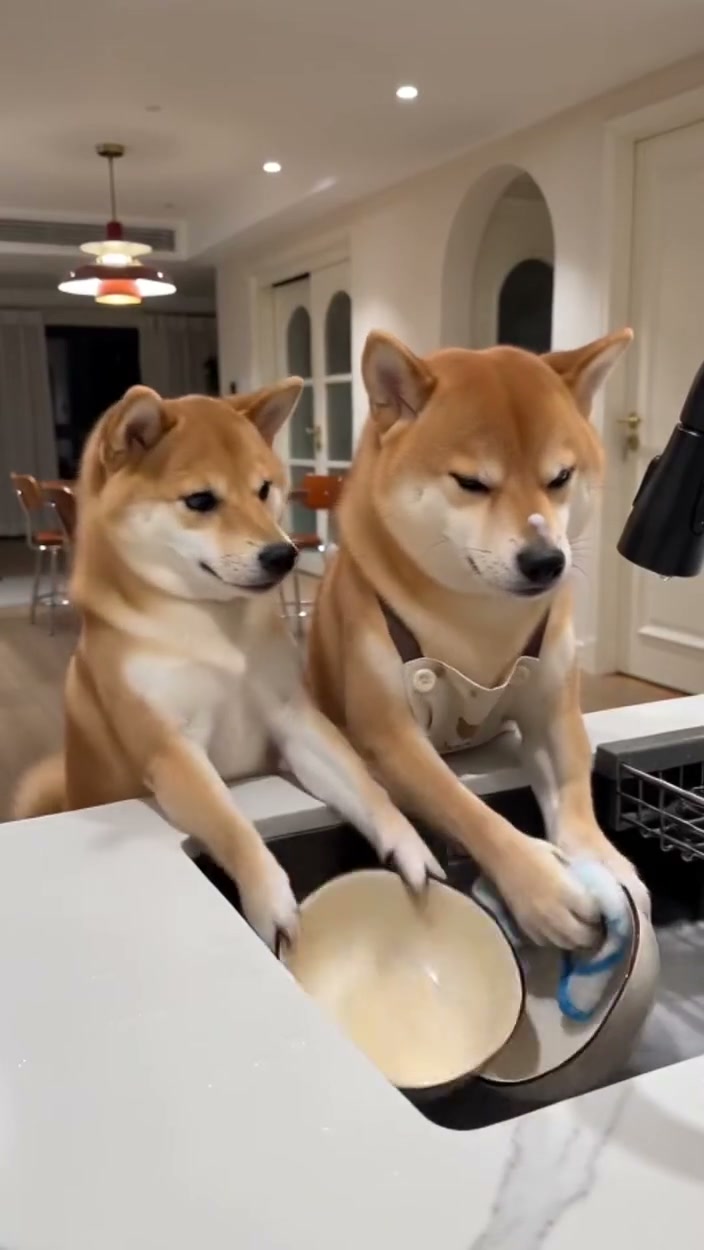
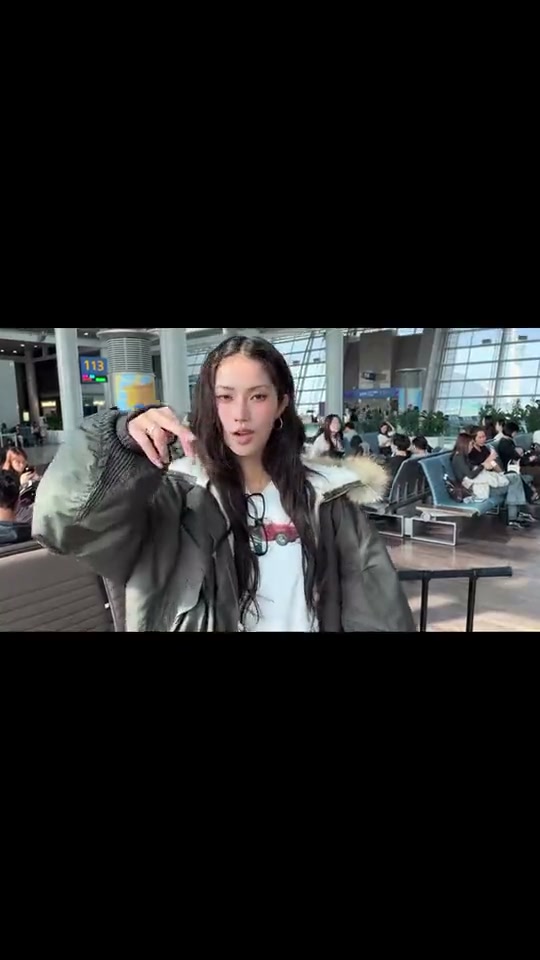
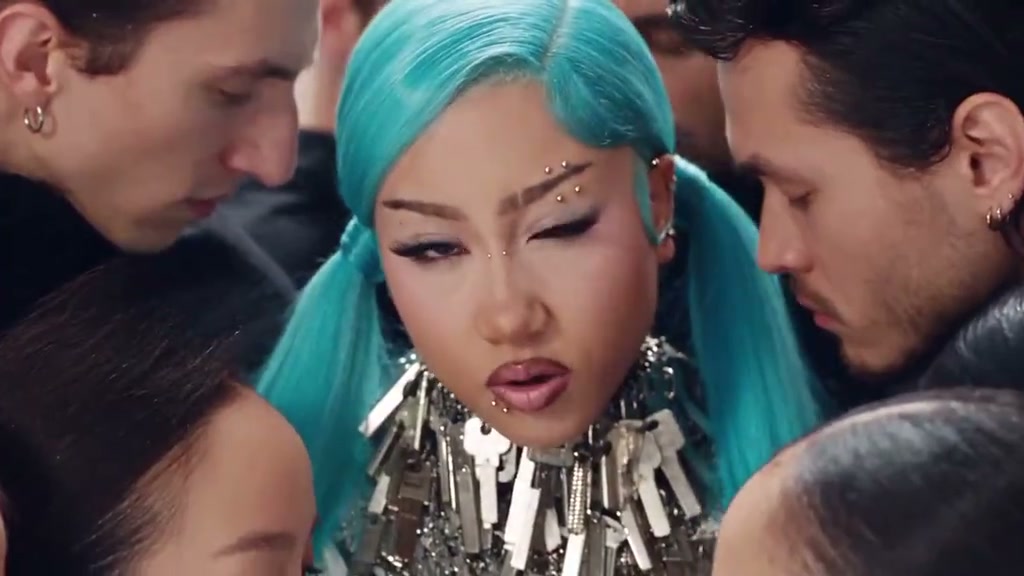
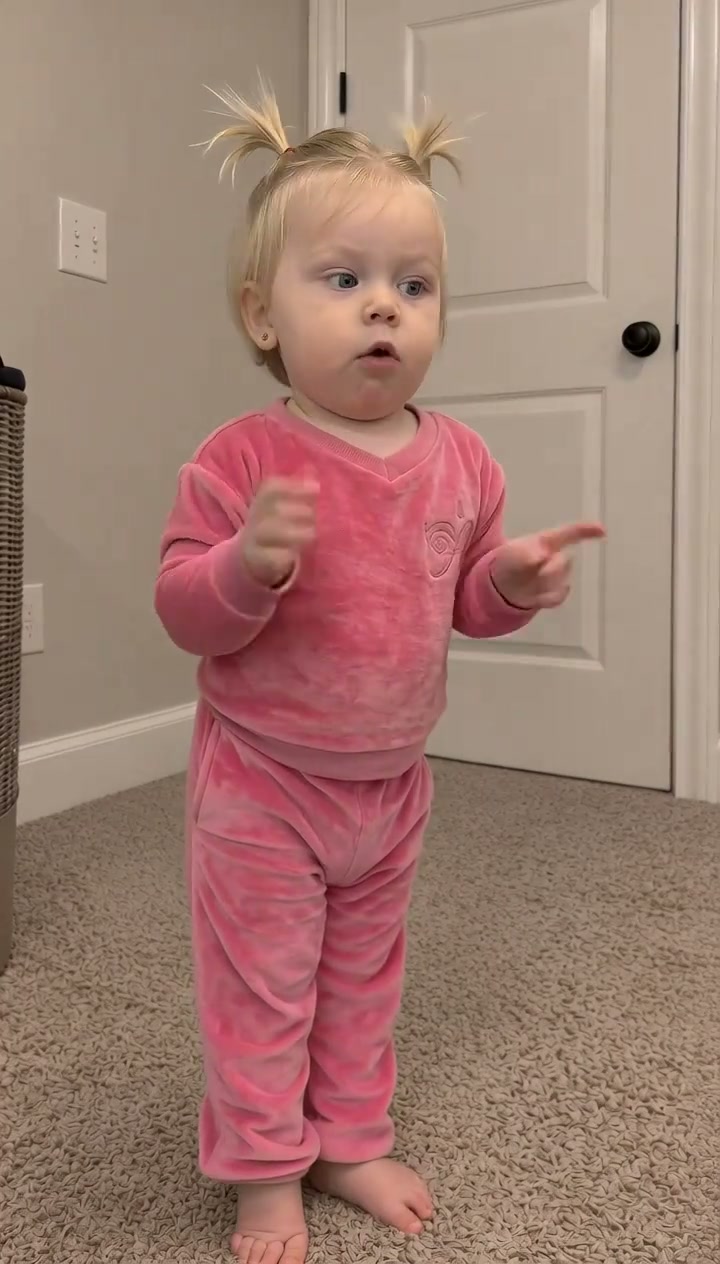
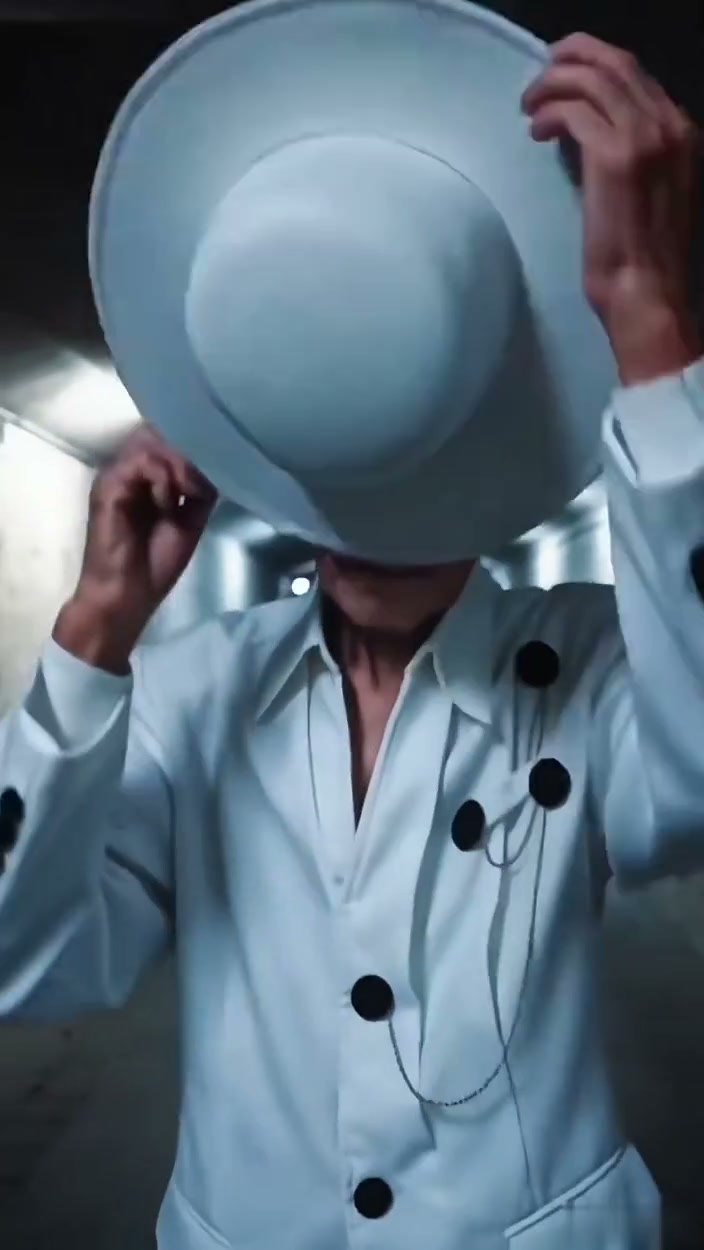
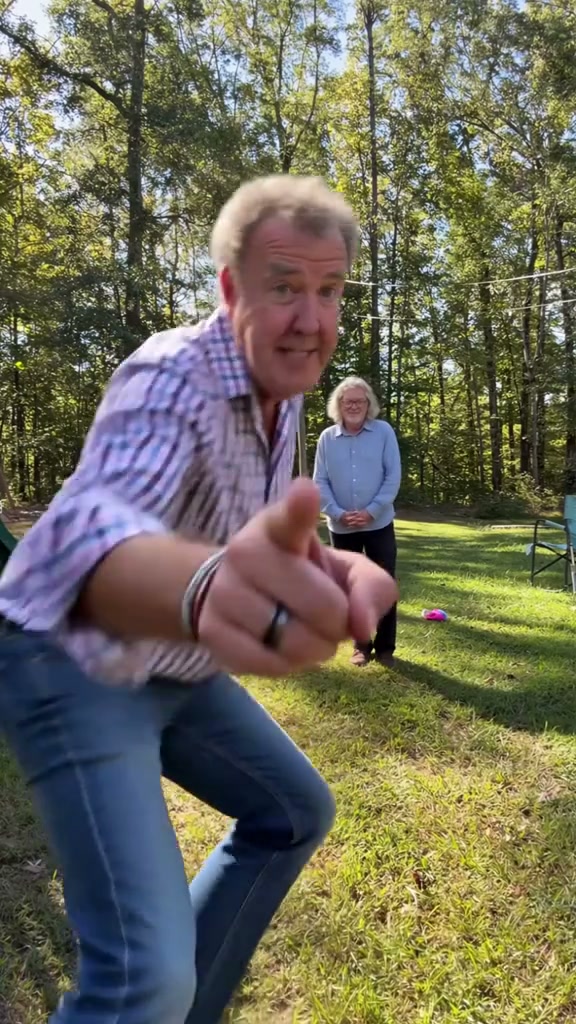
Viral AI Video illustration: portraits, a pet photo, and video ideas becoming short clips.

How to Make a Viral AI Video

Choose an idea, prepare the right materials, and review the plan before you spend credits. These steps explain the homepage reference-video workflow; a ready-made effect starts in its own studio.

  1. 01

    Choose a Reference and Prepare Your Photos

    Pick a clip with a punchy idea: a comedic reaction, dance, or pet moment. Upload an MP4, MOV, or WebM video under 60s, or paste a supported TikTok link. Provide a clear portrait; for duo or pet scenes, upload distinct images for each subject.

  2. 02

    Review the Free Video Plan

    Viral AI Video analyzes your reference into key beats and camera movements, generating an editable remake blueprint. Freely adjust the environment, motion, or character prompts before deciding to generate—no credits required.

  3. 03

    Choose Your Options, Generate, and Save

    Pick your preferred AI video model, aspect ratio, and audio style. Review the credit estimate, then click generate. Once finished, preview the high-res clip, download your MP4, or scan the QR code to save directly to your mobile device.

What Can You Change in a Viral AI Video?

After the free breakdown, choose how your remake should look and sound. The homepage gives you these controls; dedicated effect studios show the options available for their prepared scenes.

Keep the Reference Scene or Create a New Setting

“Keep the scene” guides action and pacing directly from your reference video. “Recreate the scene” blends your uploaded portraits with fresh AI background environments—ideal for switching settings to an exotic travel spot, cozy cafe, or cinematic nighttime street.

Describe the Changes You Want

No prompt engineering required. Start with the suggested shot breakdown and add simple adjustments, like “move to a sunlit balcony” or “dramatic camera zoom.” Refine one element at a time for precise creative control.

Match the Format to Where You Will Post

Select vertical 9:16 for full-screen TikTok, Instagram Reels, and YouTube Shorts, or square 1:1 and widescreen 16:9 for other social feeds. Choose 720p or 1080p resolution to match your visual quality preferences.

Choose How Your Video Sounds

Pick “Silent” to pair with trending TikTok or Reels audio directly in-app. Choose “AI Sound” for realistic synthesized sound effects, or “Original Sound” to retain reference dialogue and acoustic rhythm.

Pay for What You Make

Breakdowns are 100% free with no credit card required. Choose a flexible monthly plan for continuous viral creation or top up anytime with one-time credit packs.

Basic

90 Generation Credits / month

$29.90/ mo
Billed monthly ($29.90/mo)
90 generation credits / month
All available models; credit cost varies by model and resolution
MP4 · 9:16, 1:1, 16:9 viral formats
30-day video cloud storage
1 concurrent generation task
Full commercial usage rights
Most Popular

Pro

160 Generation Credits / month

$49.90/ mo
Billed monthly ($49.90/mo)
160 generation credits / month
All available models; credit cost varies by model and resolution
90-day video cloud storage
2 concurrent generation tasks
Full commercial usage rights
Best Value

Studio

360 Generation Credits / month

$99.90/ mo
Billed monthly ($99.90/mo)
360 generation credits / month
All available models; credit cost varies by model and resolution
180-day video cloud storage
3 concurrent generation tasks
Full commercial usage rights

Or Buy Credits Once

No recurring commitments. Top up credits whenever you need extra generation power. Pack credits never expire.

All packs include full AI video model access and free shot breakdowns. One-time payment, no auto-renewal.

10 Credits

Mini Pack

10 generation credits

$6.99/ once

One-time payment · Never expires

Save 15%

Duo Pack

30 generation credits

$19.90/ once

One-time payment · Never expires

Most Popular

Crew Pack

60 generation credits

$29.00/ once

One-time payment · Never expires

Best Value

Creator Pack

180 generation credits

$69.00/ once

One-time payment · Never expires

Checkout via Stripe•Pack credits never expire•Reserved credits returned on failed renders•Cancel subscriptions anytime

FREQUENTLY ASKED QUESTIONS

Viral AI Video Questions, Answered.

What is Viral AI Video, and how does it work?

Viral AI Video is an online tool for making personal short videos from your photos. Start with a reference clip and preview a free breakdown, or choose an available photo effect from the directory. The homepage gives you an editable plan; effect pages prepare the scene for you. Review the cost, generate with credits, and download the finished MP4.

Is Viral AI Video free, and when do I pay?

Exploring templates, preparing your photos, and previewing complete shot breakdowns are 100% free with no credit card required. When you are ready to render your watermark-free AI video, you can flexibly choose a one-time credit pack or monthly subscription.

How much does a remake cost?

Credit costs are transparently based on your selected engine model, resolution, and clip duration, starting from just 3 credits for a 5-second standard 480p clip (5 credits for 10s at 480p, or 10 credits at 720p). You can always review the exact credit requirement in the preview before starting any generation.

What kinds of viral AI videos can I make?

Try a short reaction, dance idea, visual reveal, two-person scene, or pet comedy clip. Choose a reference with a clear action that suits the people or animal you want to feature. A busy group scene can be harder to judge than one simple moment. For an available prepared effect, follow that page’s specific roles and photo requirements rather than assuming every effect supports every subject.

Do I need viral AI video prompts to start?

No. Viral AI Video suggests instructions from your reference so you can start without writing a detailed prompt. After the breakdown, edit the part you want to change: the setting, action, camera movement, or pause. Keep the rest of the plan consistent with your idea. Prepared effect studios provide their own scene instructions and do not necessarily offer the homepage’s prompt editor.

Can I paste a Reels or YouTube Shorts link?

The homepage accepts supported TikTok links and direct video links. Reels and YouTube Shorts sharing links are not supported imports here. Upload an MP4, MOV, or WebM file within the displayed limits instead. If a supported link cannot be read, try your local file; you need a successful breakdown before continuing with that reference.

How long is the video, and how long does generation take?

The homepage accepts reference clips up to 60 seconds, but its current generation request covers the opening 3–15 seconds rather than the whole long video. Check the length shown in the plan before paying. Prepared effects show their own length. Processing time depends on the selected model and queue; follow the task status on the page instead of relying on a fixed completion time.

Can I use the result on TikTok, Reels, or Shorts?

You can download the finished MP4 and post permitted results in those apps. Choose vertical 9:16 for a full-screen short, or use square or landscape for another layout. Check the framing, faces, and complete motion before publishing. Follow the platform rules for your content and account, including any required AI labels, and choose music you are allowed to use.

What happens if a video generation fails?

A failed generation returns the credits reserved for that task. The status may show a pending refund while the return completes. This is an account credit return, not a cash refund of a purchase. A completed video is not automatically refunded because you prefer another likeness or expression. A new generation has its own cost; contact support with the task ID if a delivered file will not play.

Does the download include trending music?

A viral AI video download does not automatically give you a license to a trending track. Review the finished audio before sharing, and use the social app’s permitted music options for your account and intended use. In the homepage plan you can select Silent, AI Sound, or available reference audio. A recognizable sound may suit the idea, but it does not guarantee views.

What photos work for solo, couple, or pet videos?

For a person, use an evenly lit portrait with visible eyes, hair, and shoulders. Avoid heavy filters, sunglasses, and tiny face crops. For two roles, provide a distinct photo for each person when the workspace requests it and check the slot order. For your pet, show the face, ears, and coat markings clearly. Each effect page explains its own requirements; a clear selfie does not need the final scene in its background.

Whose photos and reference videos can I use?

Use your own portrait, authorized photos of consenting adults aged 18 or older, or your own pet. Minors, celebrities, public figures, and non-consenting people are prohibited. You also need permission to adapt reference footage; finding a clip online is not permission. Confirm the upload rules before generating. A newly generated background does not remove your responsibility for the photos, reference material, or music you use.

What happens to my photos and finished videos?

Uploaded materials are processed to make your video, including by selected service providers. The account shows when your finished video download expires; the available window depends on your plan. Save a copy before that time, using the download or phone QR option. See the Privacy Policy for handling, retention, and deletion details rather than assuming all service and provider copies disappear immediately.

Will my video go viral, and is this an official TikTok tool?

Viral AI Video is independent of TikTok, Instagram, and YouTube. It helps you make a personal version of a short-video idea; views, shares, and recommendations are not guaranteed. Focus on an understandable setup, a clear action, and an ending that makes sense for your audience. Use the plan to check the idea and the finished clip to decide whether it is ready to post.

Ready to Make Your Viral AI Video?

Start with your own reference clip, or choose an available effect from the directory. Prepare your photos and review the cost when you are ready to make your video.

Free breakdown preview• Credits returned on failed renders• One-time packs or optional plans